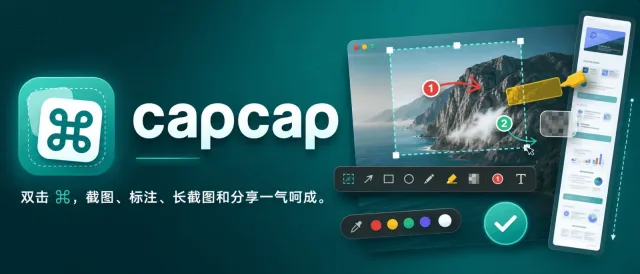

Native menu bar screenshot tool with double-tap Command capture, annotation, scrolling capture, beautify, pinning, and image-host upload.
-
 macOS
Images, screenshots and illustration.

















Native menu bar screenshot tool with double-tap Command capture, annotation, scrolling capture, beautify, pinning, and image-host upload.
macOS



IgKnight Technologies Ltd
Widgets & wallpaper for iPhone
macOS, iPadOS, Apple Vision Pro



BILIBILI SINGAPORE PTE. LTD.
Community for every fandom
macOS


NEEDEDAPPS PTE. LTD.
Edit image metadata
macOS


Huseyin Bagana
Virtual Camera & 4K Viewer
macOS

Blender is the free and open source 3D creation suite. It supports the entirety of the 3D pipeline: modeling, rigging, animation, simulation, rendering, compos…
macOS


Lucky Clan
Drawing, Painting, Sketching
macOS



Harald Meyer
Remote control for DJI cameras
macOS


Rocky Sand Studio Ltd.
Every movie on every screen
macOS

Maksym Cherniaiev
Duplicate photos finder
macOS


ShedWorx
Convert files fast
macOS

Mayank Sharma
AI Image Upscaler
macOS


Visual Vertigo Software Technologies GmbH
Sports
macOS
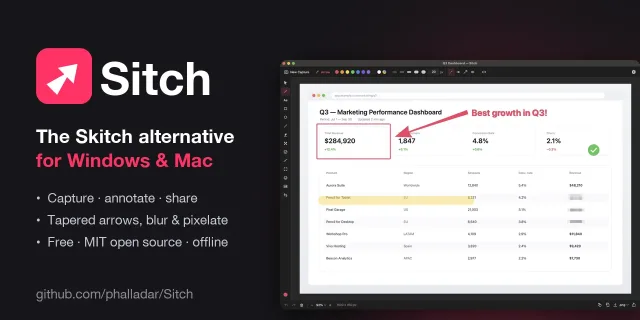
Skitch-style screenshot annotation with tapered arrows, blur, and pixelate, fully offline.
macOS


Electronic Team, Inc.
Resize and watermark photos
macOS

Flying Meat Inc.
Image editing for humans
macOS


Sudip Bag
Social Networking
macOS

Andrew Burwell
Planetary Image Processing
macOS

ColorSet is a macOS utility and framework allowing developers to manage custom interface colors with ease.
macOS


Cynoble
Play Video, DVD, AVI & MP3
macOS


Jonathan Harris
Video thumbnails & previews
macOS



Moritz
Count Objects in Photos
 Android
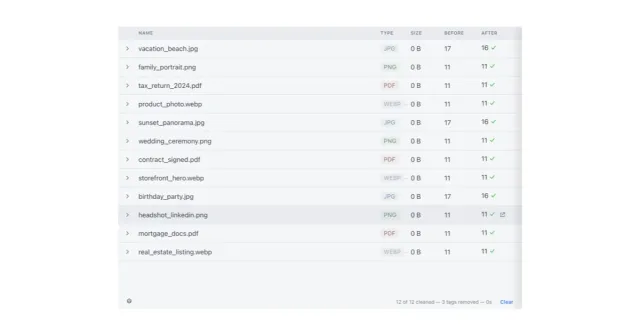
Remove image metadata with drag and drop, multi-core batch processing, and dark mode.
macOS
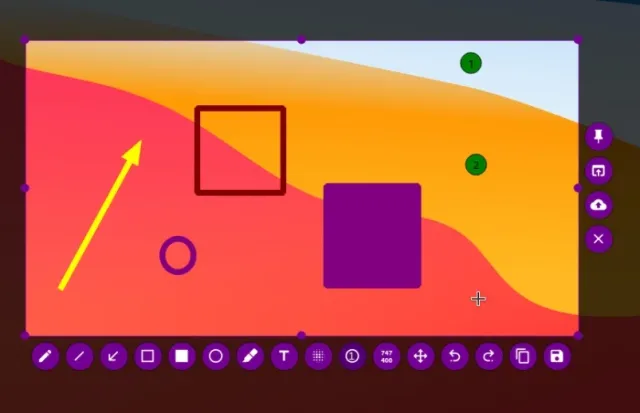
Powerful yet simple to use screenshot software.
macOS
For visitors
Tell us the app and what you use it for. We look for it and list it when it fits.
Suggest an appFor makers
A listing is free. A person reviews it before it goes live.
List your appYour choice saves automatically.
Choose your colors